
In cafés and restaurants, music is as much a part of the experience as the menu. A well-chosen programme relaxes guests, supports conversation and carries the identity of the venue. Music that is badly chosen or played erratically can overshadow even the best food. This article looks at three things to get right: licensing, volume and scheduling.
1. Licensing: personal apps are not for business
Services such as Spotify and YouTube are offered for personal, non-commercial use; playing music to guests in a café falls outside that. We explain this in Can you play Spotify or YouTube in a business?. With HYDW you play HYDW original music or popular music under your own licence; compare the two models on our Music and Licensing page.
This article is for general information only and is not legal advice.
2. Volume: never drown out conversation
Music should stay in the background. If guests raise their voices to hear each other, it is too loud; if it cannot be heard at the table, the atmosphere is lost. A few practical rules:
- Set the volume when the venue is busy, not empty; a crowd absorbs sound.
- Do not put all the speakers in one spot; several speakers at a low level give a more even sound.
- Choose a lower, calmer level for dinner than for lunch service.
- Agree a rule for staff adjusting the volume so it does not change at random during the day.
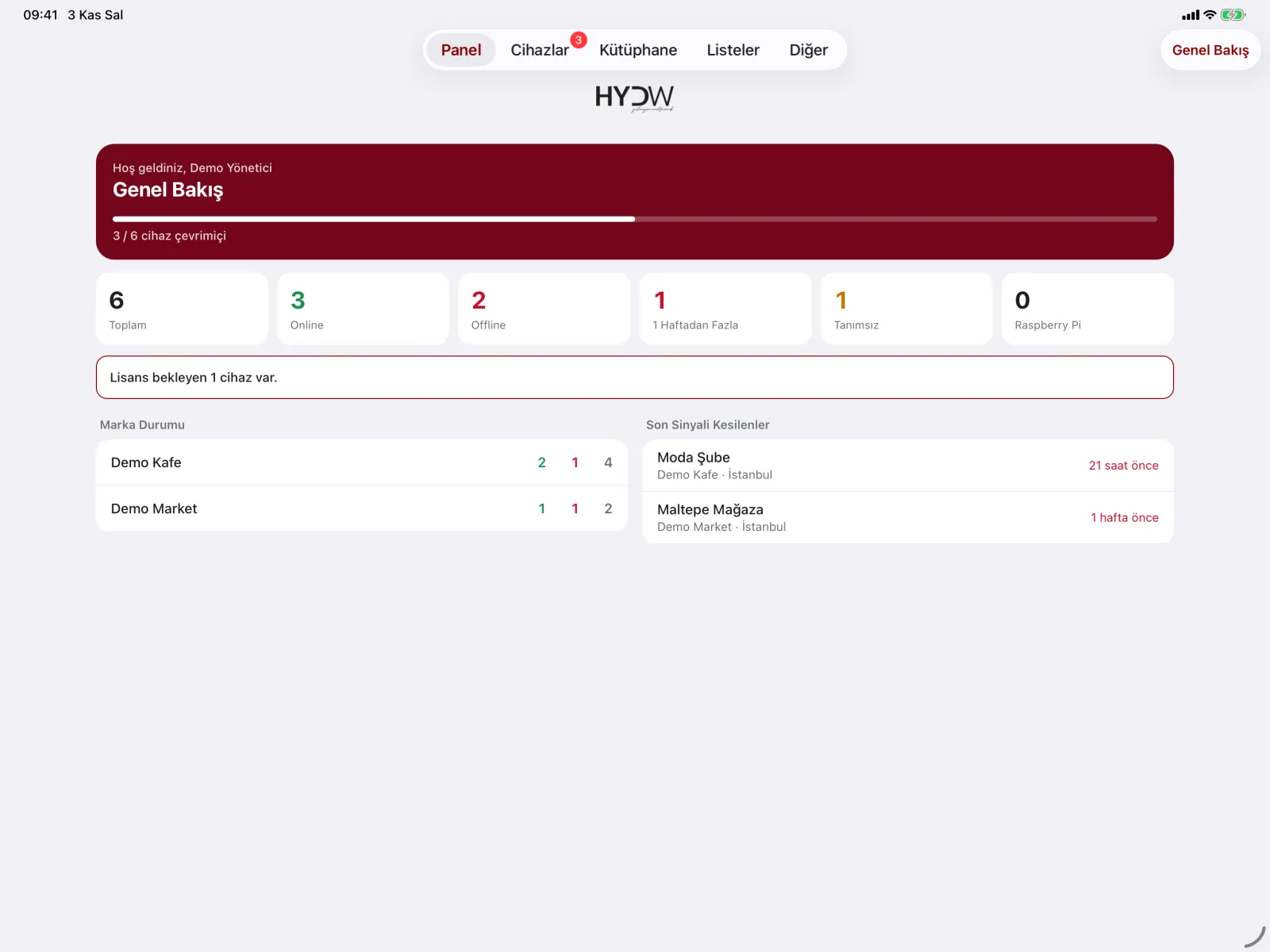
The HYDW dashboard alerts you if the sound stays muted for a long time, so someone muting and forgetting is fixed before guests notice.
3. Scheduling: music should change with the day
Morning coffee and dinner do not call for the same music. A sample day for a café and restaurant:
- Breakfast (8–11): acoustic and light jazz for a calm start.
- Lunch (12–15): an energetic but not tiring programme for fast service.
- Afternoon (15–18): a balanced selection for guests working on laptops and chatting.
- Evening (18–23): a more social tempo that suits your concept and supports conversation.
- Weekends: a dedicated brunch playlist.
HYDW
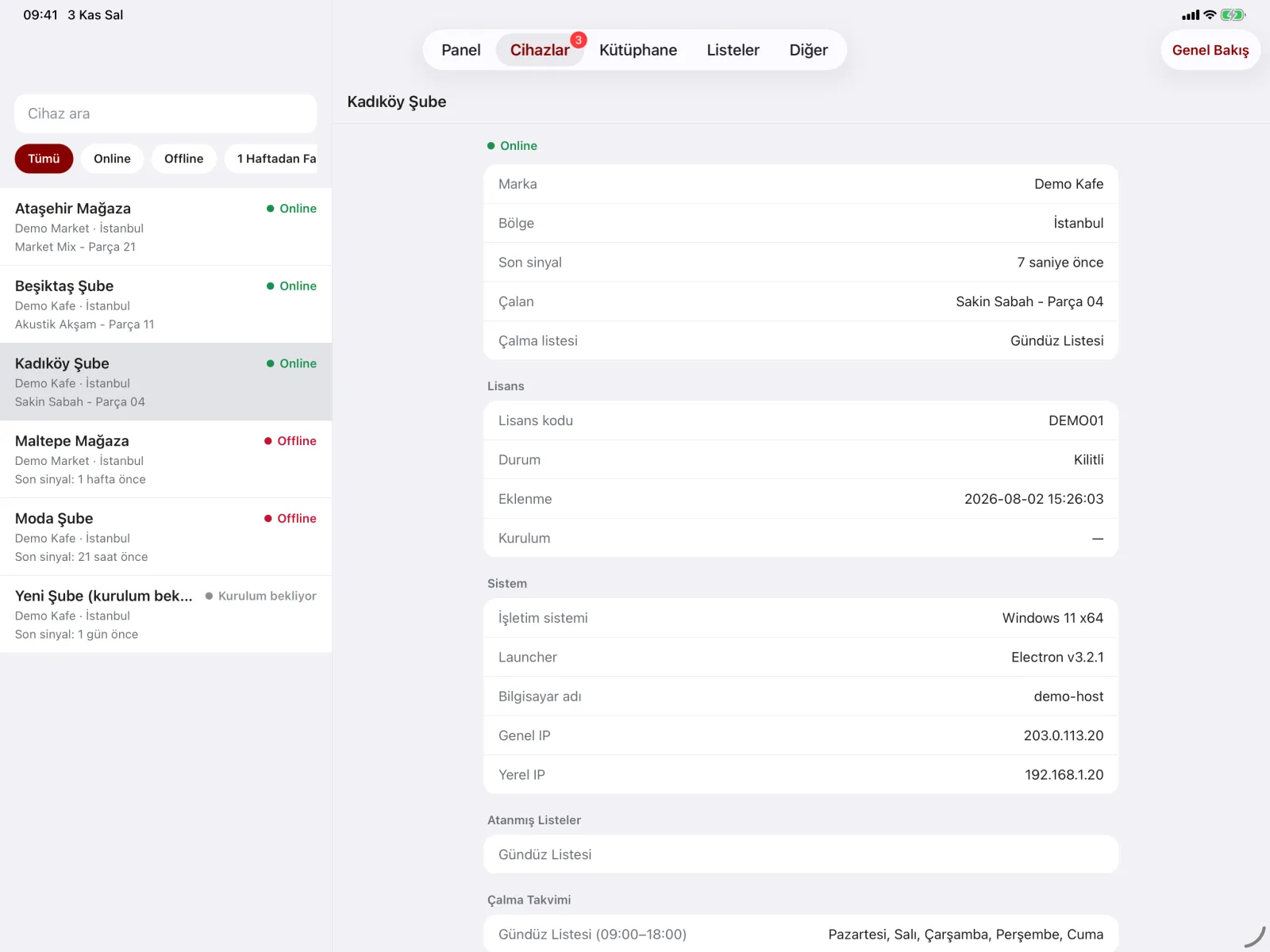
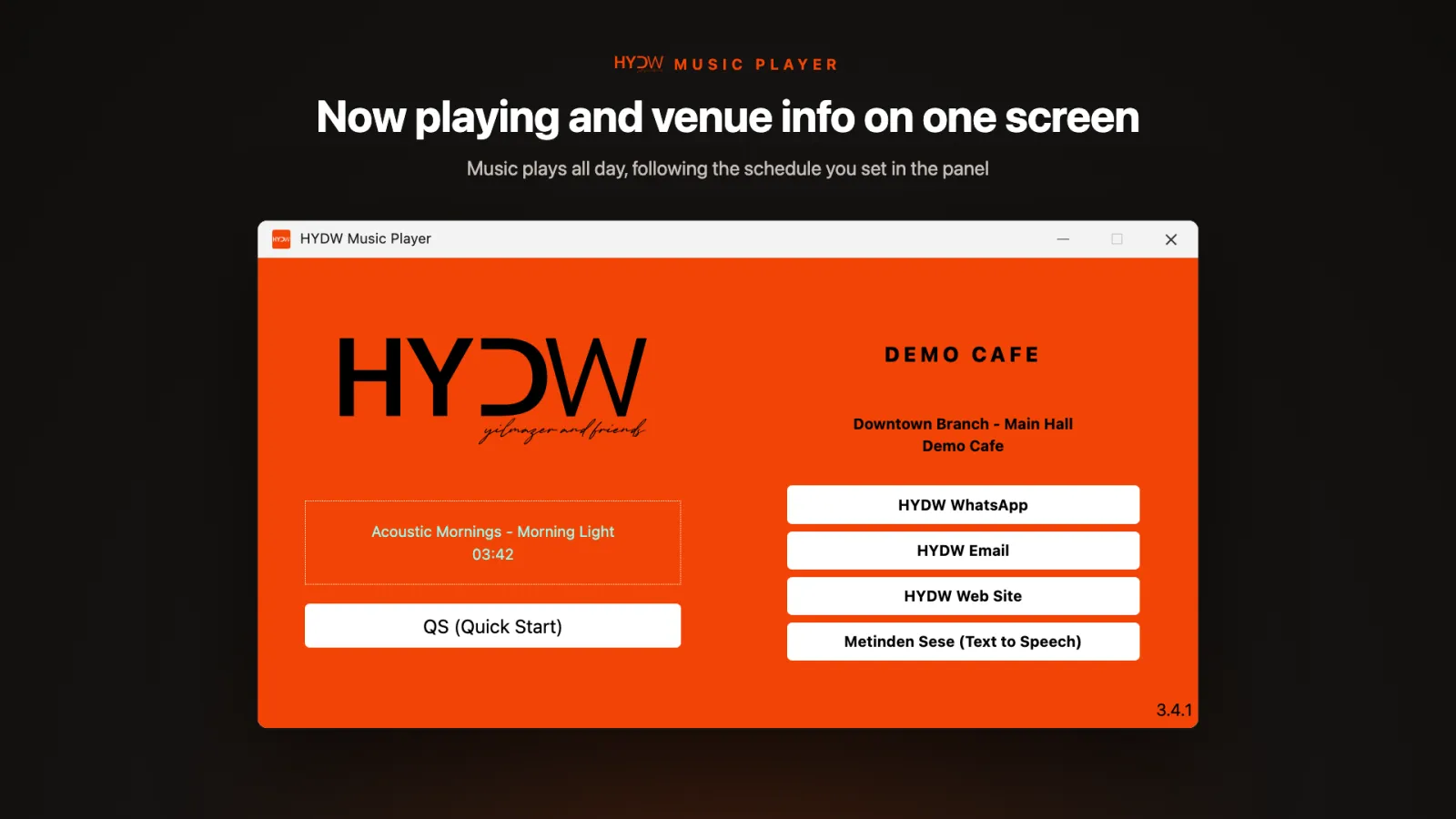
Set the plan once, and it runs every day
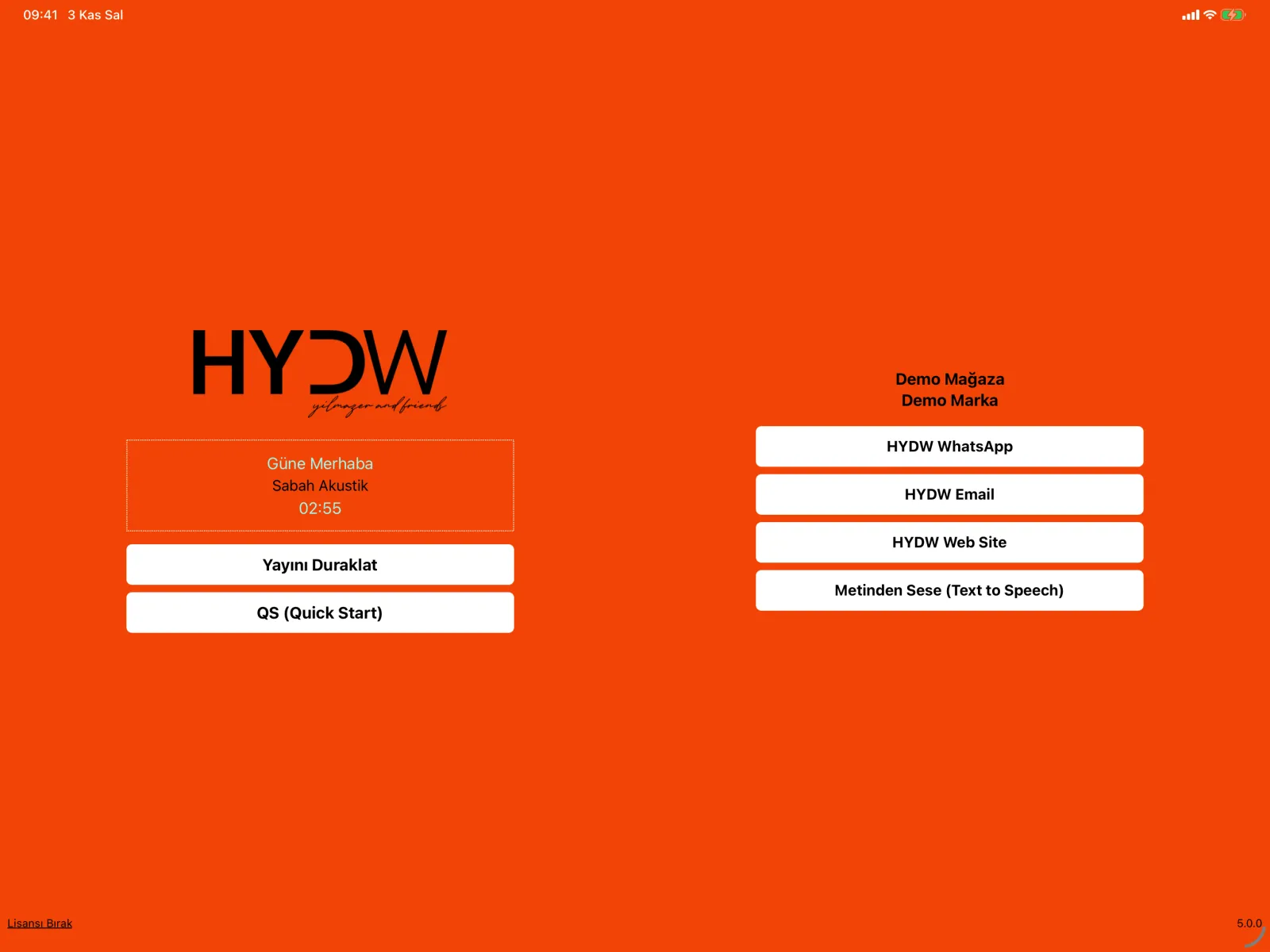
In HYDW you set time-slot, daily and weekly playlists, and transitions happen automatically and smoothly. Your baristas never pick playlists.
As you open more branches
When you open a second or third branch, manage them all from one dashboard to keep your concept intact. Our restaurant background music page has examples for chain and franchise restaurants, and the HYDW Music Box is a plug-and-play option for branches without a computer.
Announcements are part of the music
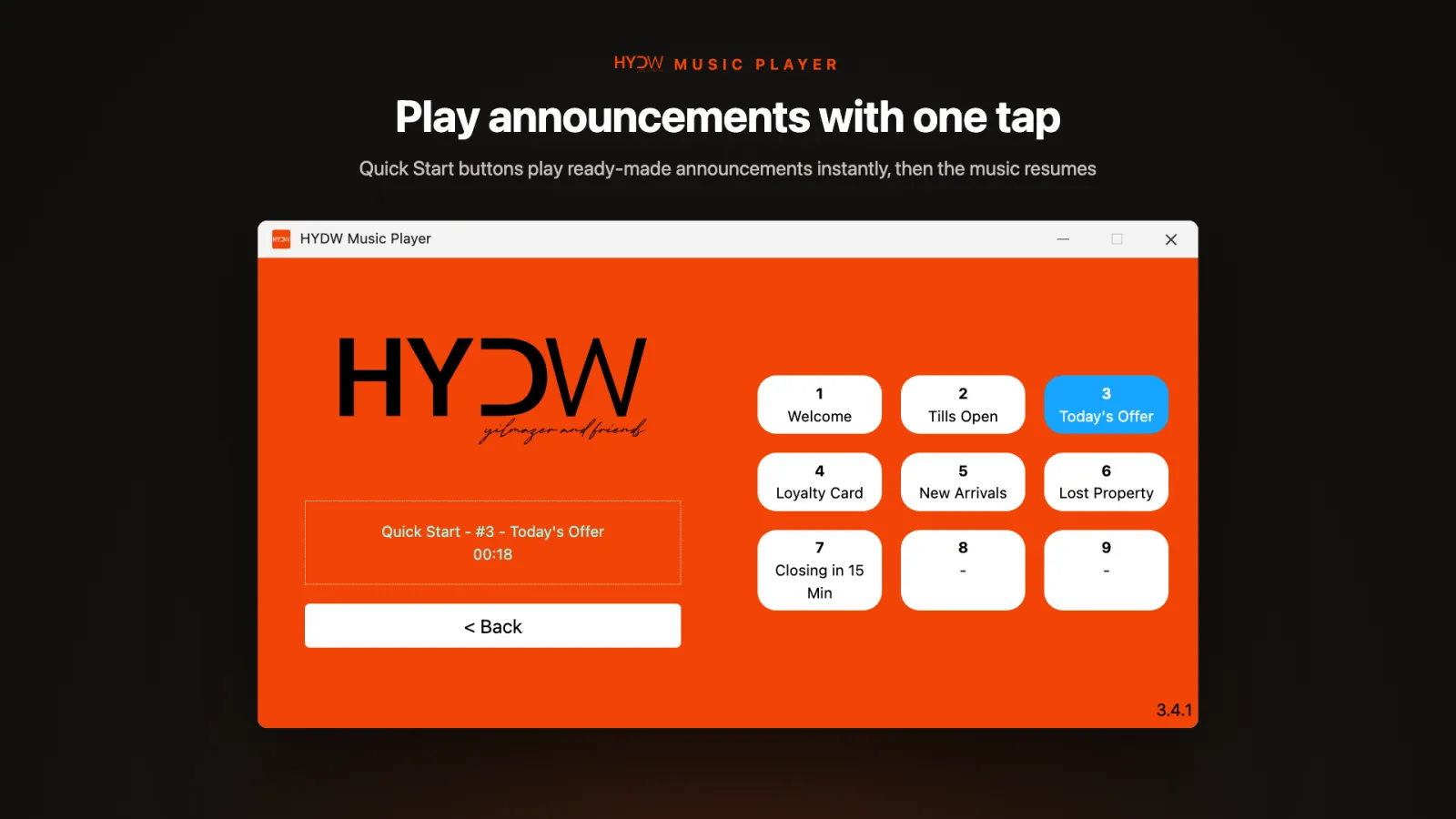
Short announcements like “today’s dessert is in our display” or “the kitchen will take last orders in 30 minutes” increase sales. With in-store announcements you play ready-made messages with one tap or instantly with text-to-speech.
Frequently asked questions
How loud should café music be?
Loud enough to be heard at the table, but quiet enough for guests to talk without raising their voices. Set it when the venue is busy.
Who changes the music during the day?
With HYDW, nobody; the schedule is set once and playlists change automatically.
Is it suitable for a single café?
Yes. Single cafés play with the HYDW Music Box or an existing tablet, and grow on the same dashboard as they open new branches.
Try it free for 15 days in your venue
We plan your music and announcements together, connect your device, and you use HYDW free for 15 days in real conditions.