HYDW Music Player
Background music player for business
One player for Windows, macOS, iOS, Android, the web and the HYDW Music Box. It updates itself, keeps playing offline and takes minutes to set up.
Platforms
Whatever device your venue has
HYDW Music Box
Shipped fully configured. Power, audio cable and ethernet: plug it in and it plays. Used at 500+ locations.
Windows and macOS
Runs quietly in the system tray, starts with the computer and keeps itself updated. On the Microsoft Store.
iOS, iPadOS and Android
A phone or tablet becomes the store’s music player, and keeps playing with the screen off.
Web player
No installation: the browser on the store computer or TV box becomes a licensed HYDW player, with music cached in the browser.
Raspberry Pi and Linux
The platform behind the HYDW Music Box; we also have a player for existing Linux devices and older Windows computers.
One dashboard
Whatever the platform, every device is managed in the same dashboard with the same rules.
Desktop
Install once, then forget it
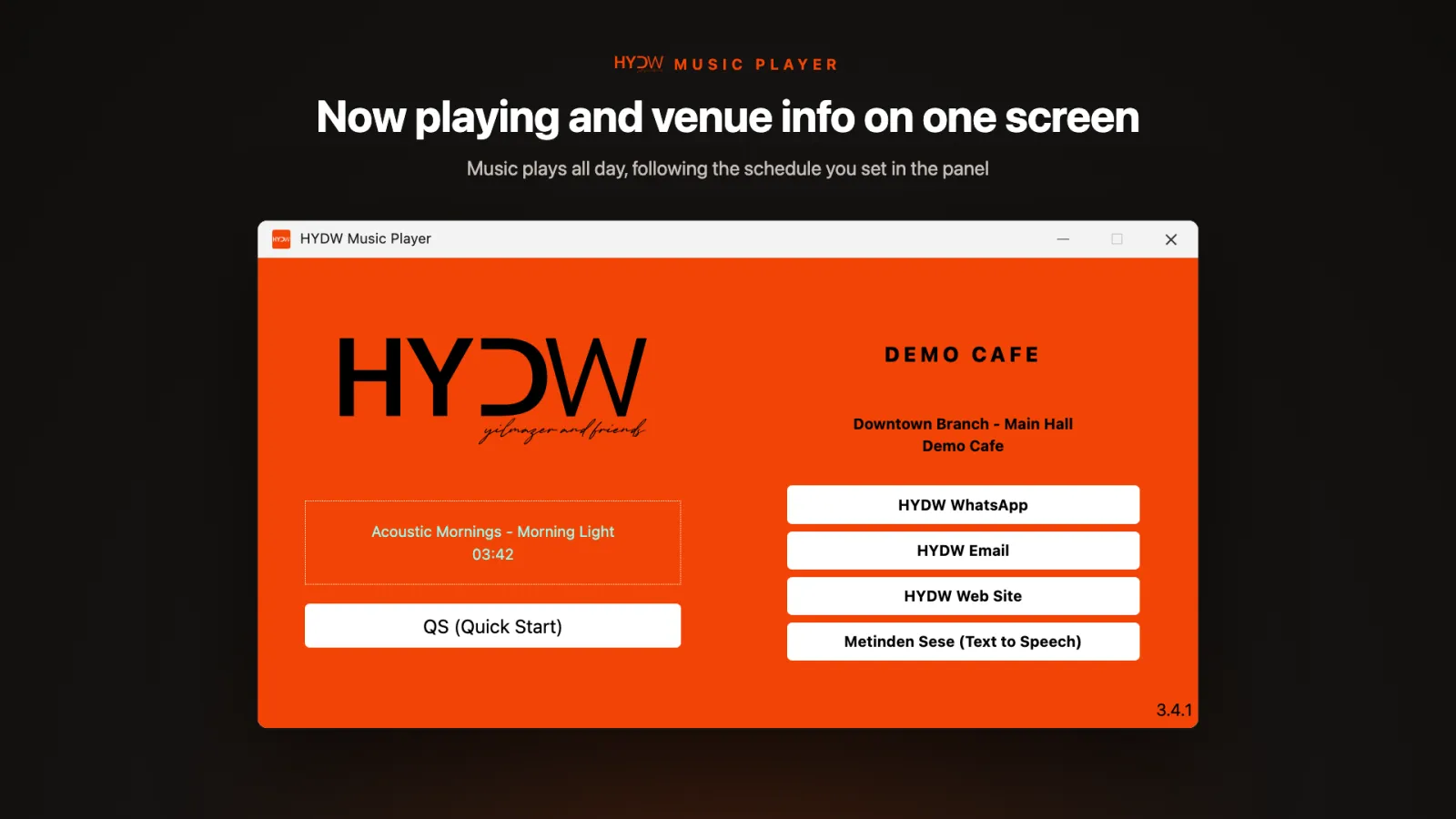
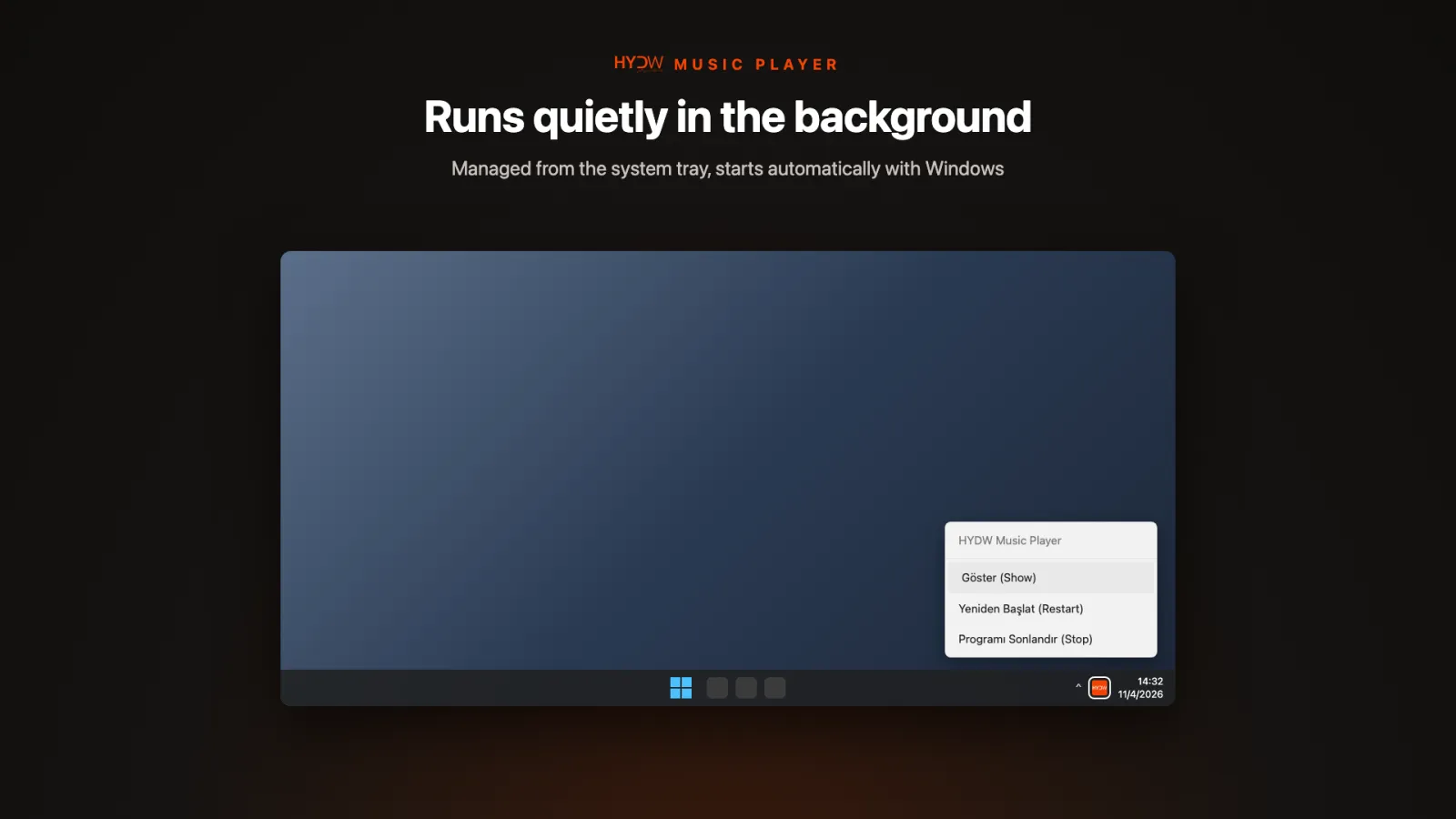
The Windows and macOS player runs quietly in the system tray.
- Starts automatically with the computer
- Downloads and installs new versions by itself (the Microsoft Store edition is updated by the Store)
- Recovers from errors on its own; the dashboard can restart it remotely
- Shows your brand logo, store name and the current track
Mobile
Your phone or tablet becomes the store player
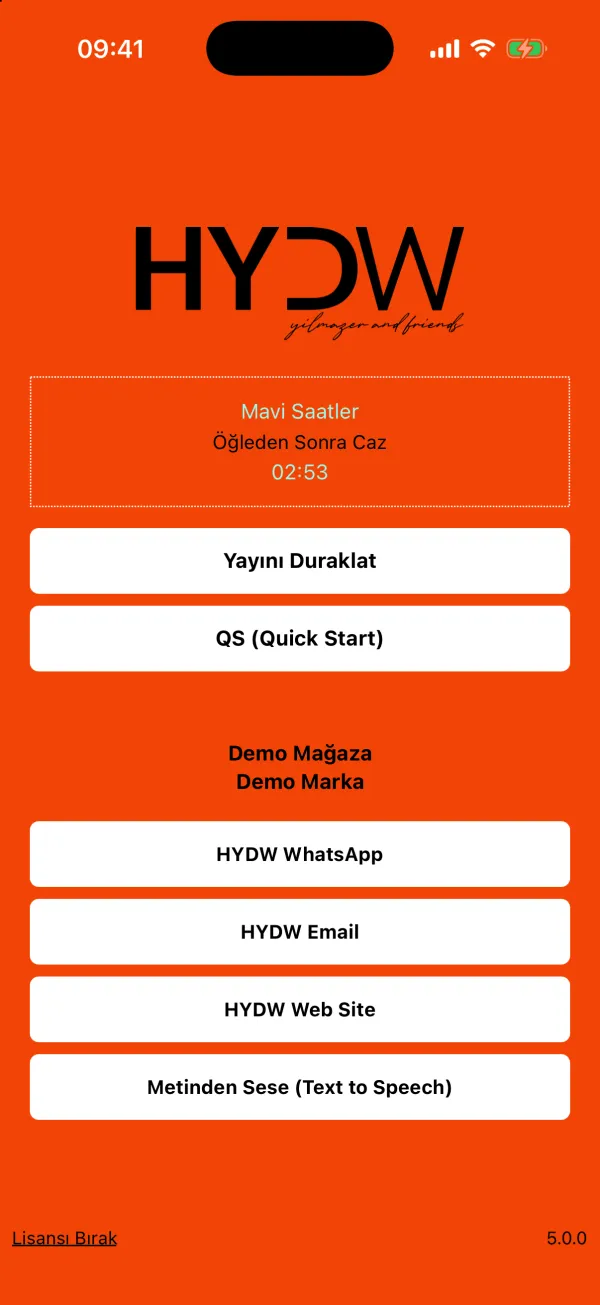
HYDW Music Player for iOS, iPadOS and Android keeps playing with the screen off.
- Self-setup with a brand code: enter the code, name the device and start
- “Pause broadcast” and resume where it left off; pauses are visible in the dashboard
- Storage protection that pauses downloads when space runs low
- Two-column layout on tablets
Requirements
System and network requirements
Windows
- Windows 10 / 11, 64-bit
- Dual-core 1.6 GHz CPU, 4 GB RAM (recommended: quad-core, 8 GB)
- At least 10 GB free disk (recommended: 50 GB on SSD)
- Audio output connected to your sound system
- A device that stays on and never sleeps
Other
- macOS
- iOS / iPadOS 16.4+
- Android 7.0+
- A modern browser with IndexedDB (web player)
- HYDW Music Box: just power, audio and ethernet
Network
- Outbound HTTPS (443) to
*.hydw.com.tronly - No inbound connections or open ports needed
- Music downloads once; no constant high bandwidth needed
- A wired (ethernet) connection is recommended
Setup
On air in three steps
- We plan your programme together. We prepare music and announcements to suit your brand, your industry and your opening hours.
- Connect your device. Plug the HYDW Music Box into power, your sound system and the network, or install HYDW Music Player on Windows, macOS, iOS or Android. Pairing with the on-screen code takes a minute.
- Manage from the dashboard. Run playlists, announcements and locations from HYDW Music Player Dashboard on the web or in the mobile app.
Download HYDW Music Player
Windows and macOS installers are on our download page. When the app opens you will see a code on screen; send it to us and we register your device. No account yet? Start with a 15-day free demo.